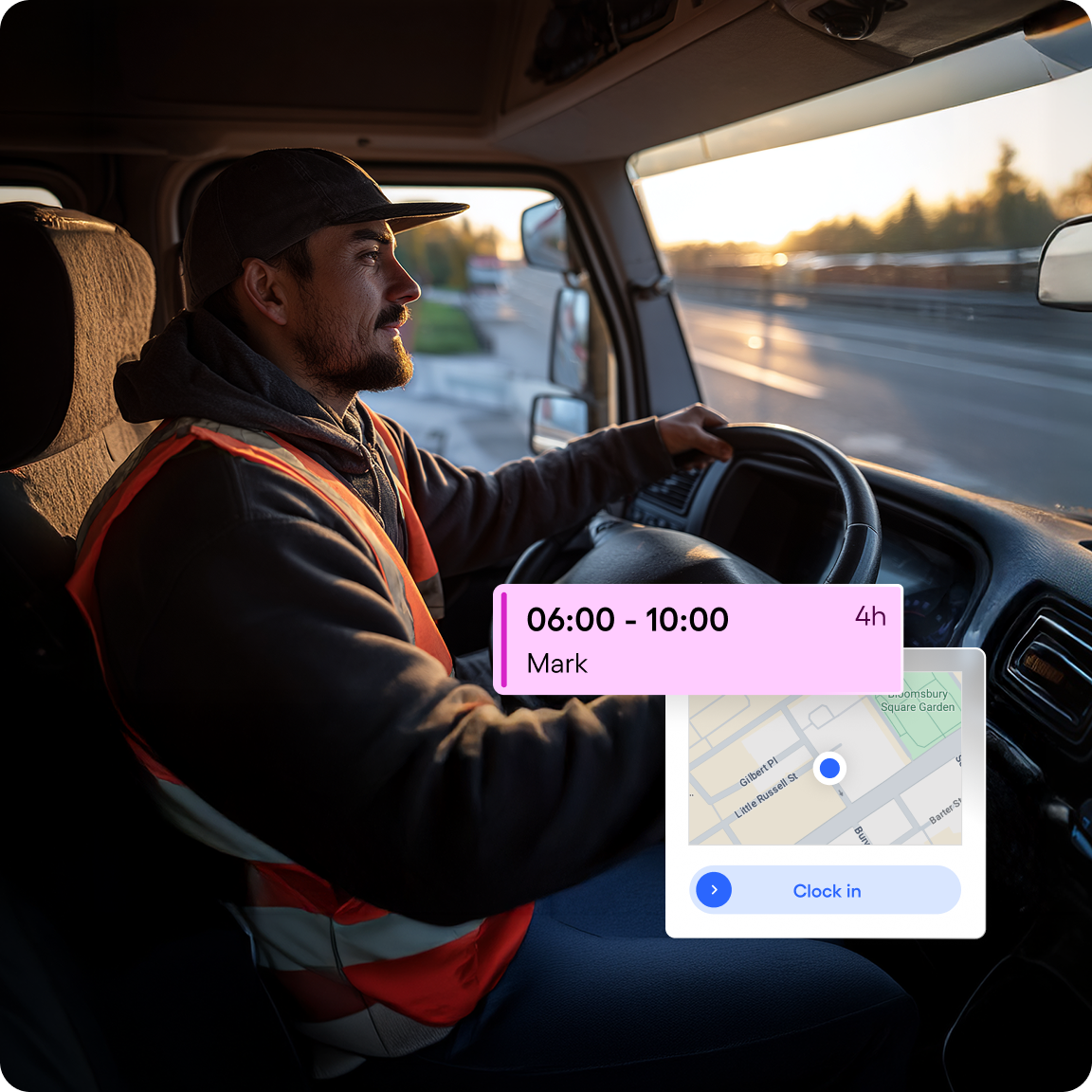
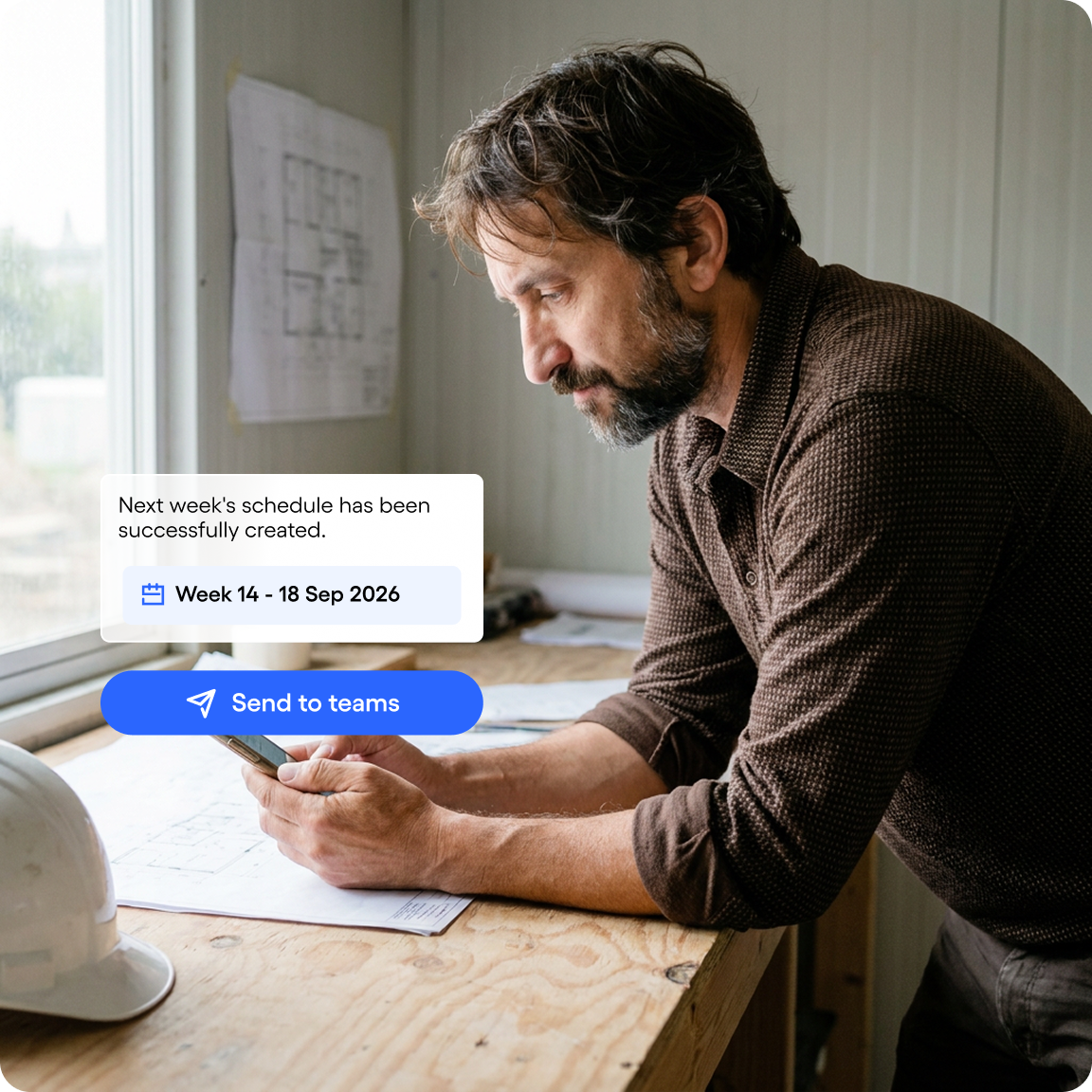
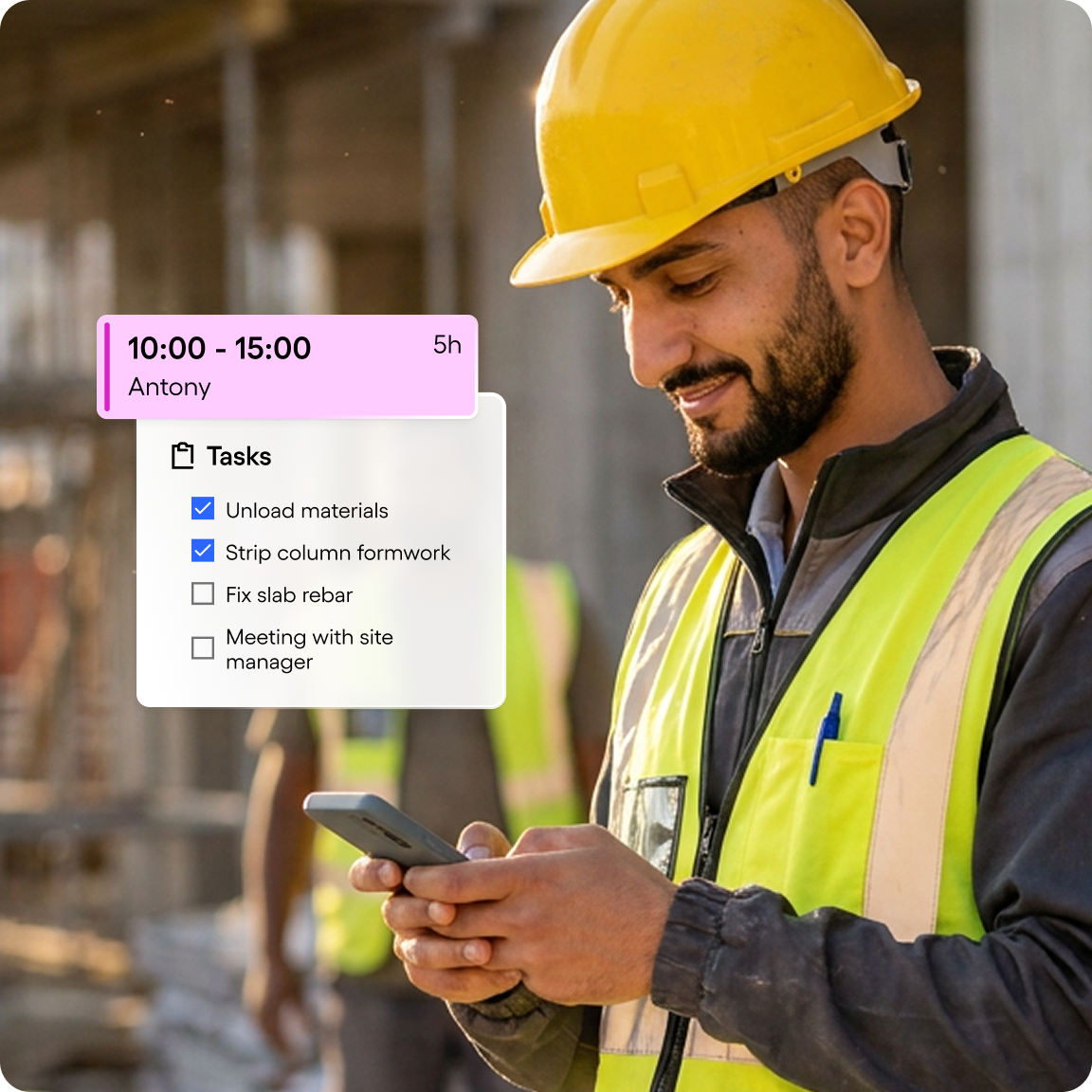
Vos équipes pointent directement depuis l’application mobile Skello, sur leur smartphone, en un geste et sans matériel dédié. Le pointage est géolocalisé : vous savez où et quand chacun a commencé et terminé, sur le bon chantier.
Le pointage fonctionne-t-il sans réseau ?
Le pointage mobile nécessite une connexion au moment du badgeage. Sur les chantiers mal couverts, la badgeuse tablette installée en poste fixe, dans la base vie ou le bungalow de chantier, prend le relais et se synchronise dès le retour du réseau.
La géolocalisation du pointage est-elle légale ?
Oui, à condition d’être encadrée. Elle doit rester limitée au moment du pointage, sans suivi continu, vos salariés doivent en être informés et les données sont traitées dans le respect du RGPD. Skello enregistre le lieu au moment du pointage, pas les déplacements de vos équipes.
Skello gère-t-il plusieurs chantiers en même temps ?
Oui. Vous gérez plusieurs chantiers en parallèle et affectez vos équipes au bon chantier, même lorsqu’elles se déplacent d’un site à l’autre, tous corps d’état confondus. Les heures pointées sont rattachées à chaque chantier, ce qui fiabilise le suivi des coûts et la facturation.
Le planning s’adapte-t-il aux intempéries et aux imprévus ?
Oui. En cas d’absence, de retard ou d’intempéries, vous réaffectez vos équipes et modifiez le planning en quelques clics, sans tout refaire. Les changements sont notifiés en temps réel à vos équipes, sur leur mobile, par SMS ou e-mail.
Skello respecte-t-il la convention collective du bâtiment ?
Oui. Skello intègre les règles de votre convention collective du bâtiment et du Code du travail (durées maximales, repos, majorations) et vous alerte en cas de dépassement avant la publication du planning. Les heures pointées alimentent ensuite une préparation de la paie fiable.