Time clock

Time and attendance tracking. Simple and reliable.

Check the hours your employees work at a glance, wherever they're based. Nothing slips through, so payroll stays accurate and working relationships stay healthy.
From clock-in to payroll in 3 steps

1

Your team clocks in

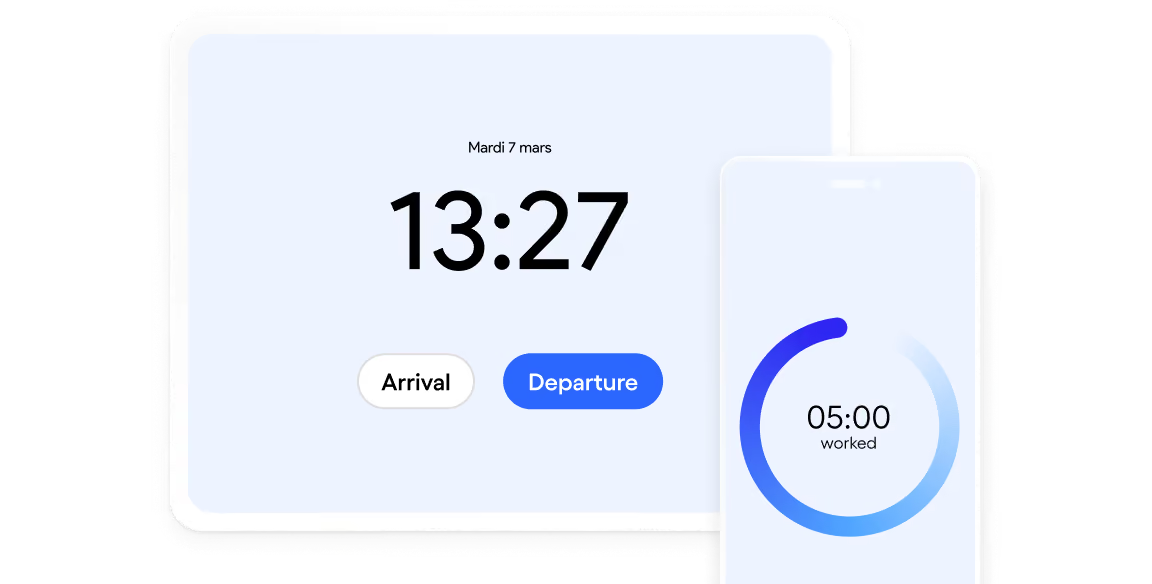
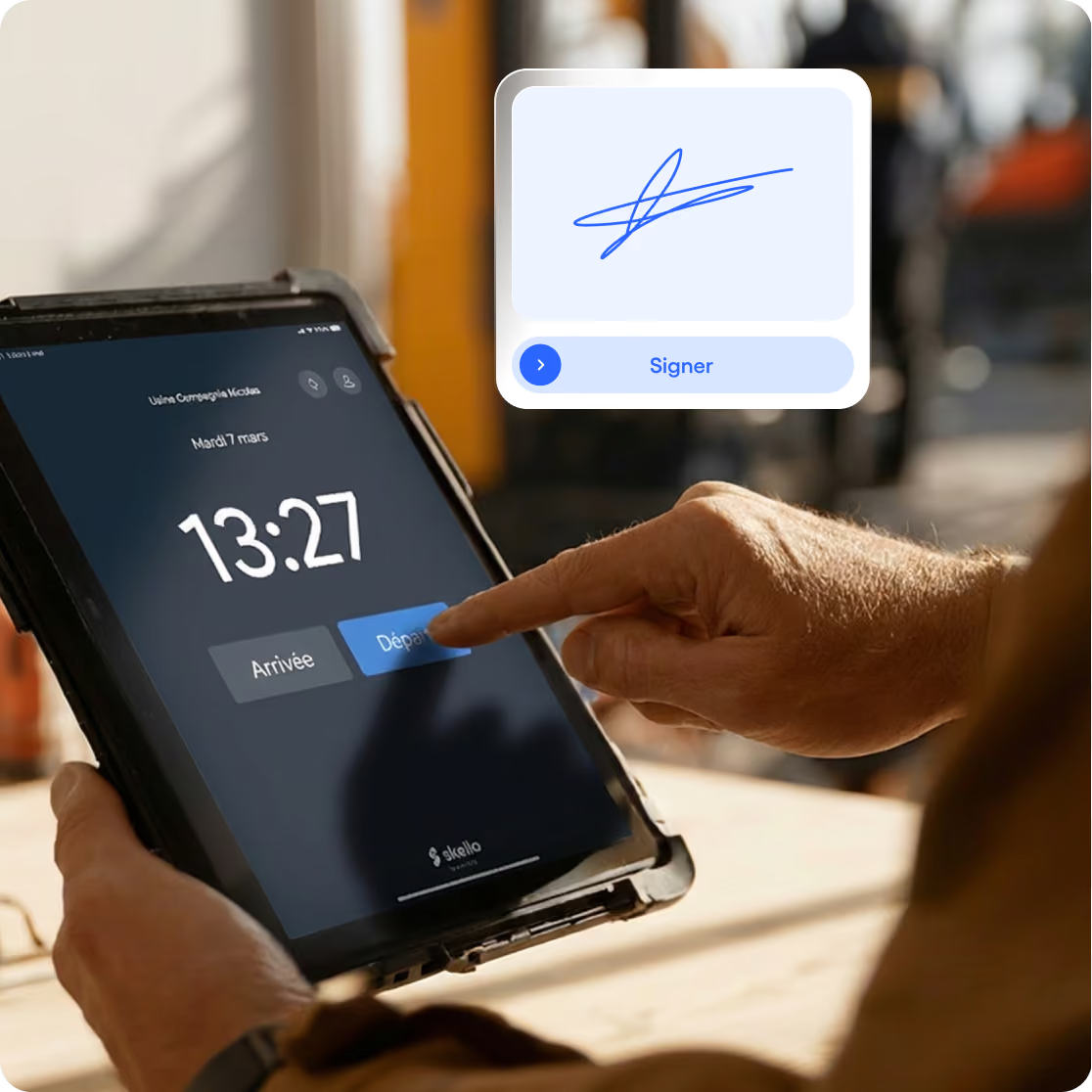
Track working hours as your staff clock in on a tablet or mobile. You set the lateness tolerance rules.

2

You check and approve

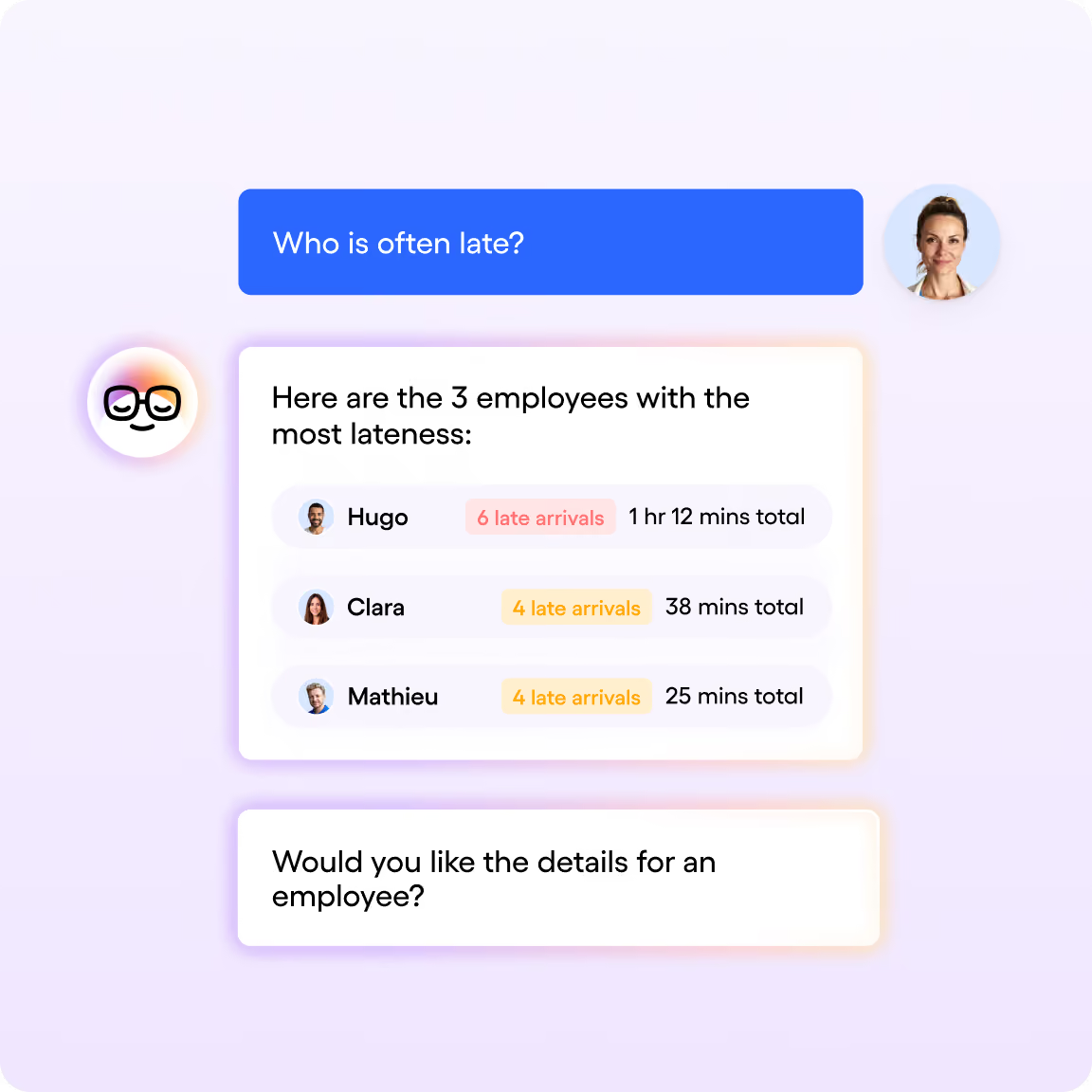
The Assistant does the checking with you, flagging missed clock-ins, late arrivals and days still to approve.

3

Hours go to payroll

Once approved, hours worked land in your payroll report, ready to send to your accountant.

88%
of customers save up to 4 hours a week on checking and re-entering hours.
74%
of managers see a clear improvement in their relationship with their employees.
90%
of employees are happy with their Skello experience.

See how simple managing your team can be

See how simple managing your team can be

Explorez maintenant

The right person. In the right place. At the right time.

The time clock adapts to every situation. Get a flexible solution to keep track of your teams' working hours and breaks, wherever they are based.
Tablet time clock

On your premises
icone case cochée

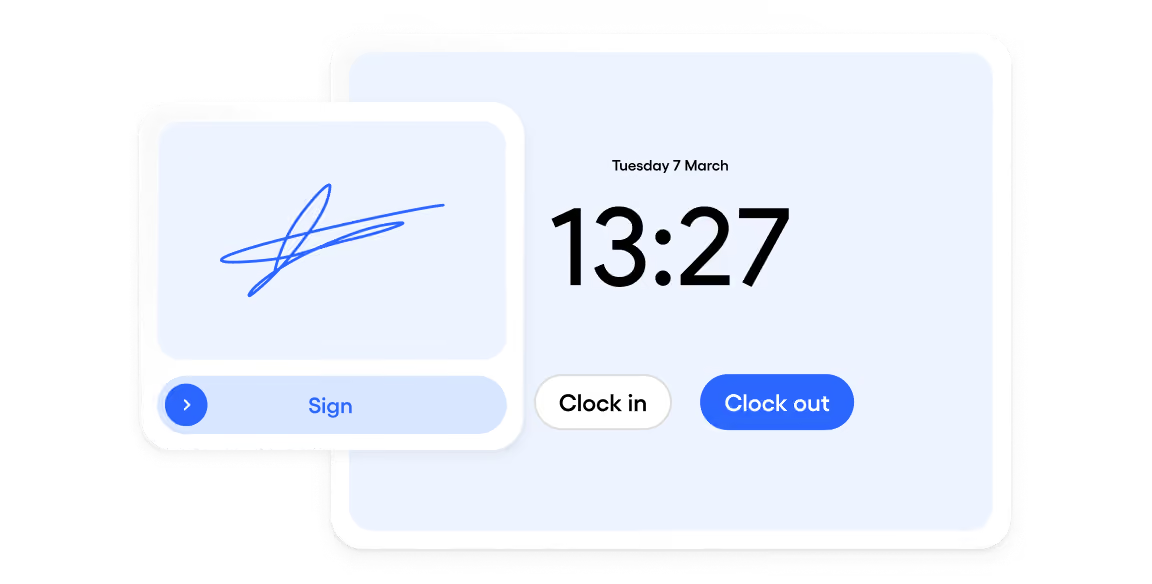
Install the Skello time clock app on your tablet and set it up on your premises.

icone case cochée

Each employee signs in with the personal, confidential PIN code they received by email.

icone case cochée

Want extra security? Turn on photo capture or signature at clock-in.

Rond bleu avec fondu
Discover the tablet time clock

Smartphone time clock

Out in the field
icone case cochée

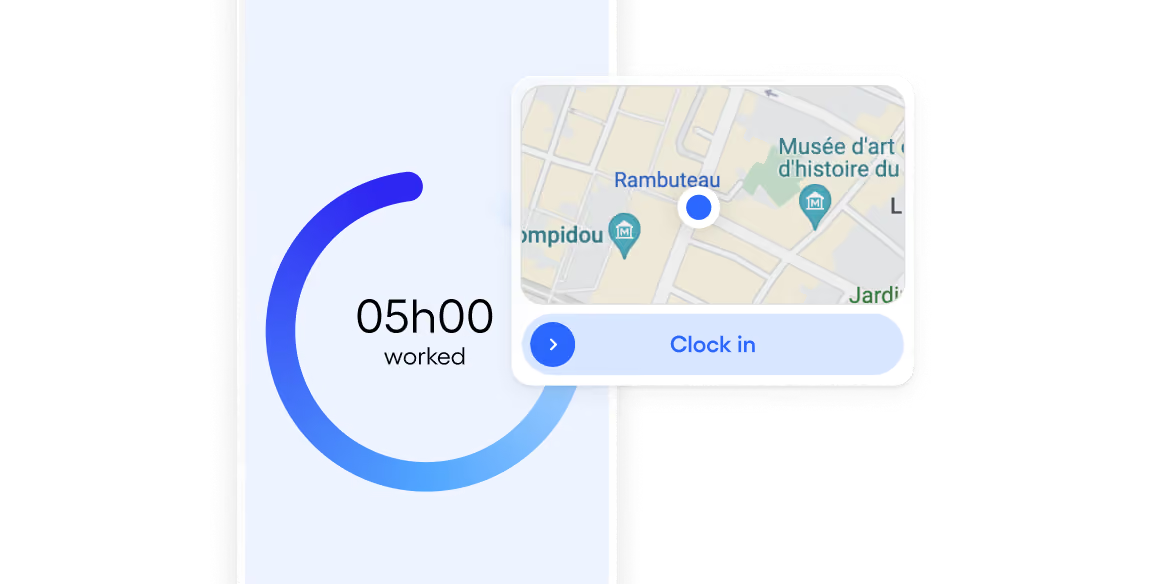
Let your employees clock in from the Skello app on their smartphone.

icone case cochée

Check where clock-ins and clock-outs take place with geolocation, while protecting your employees' privacy.

icone case cochée

Choose a simple solution that fits the way your employees already work.

Rond bleu avec fondu
Discover the mobile time clock

Time tracking. Smart. Just like your schedules.

Checking clock-ins just got easier: the Skello Assistant spots missed clock-ins, late arrivals and days still to approve for you.

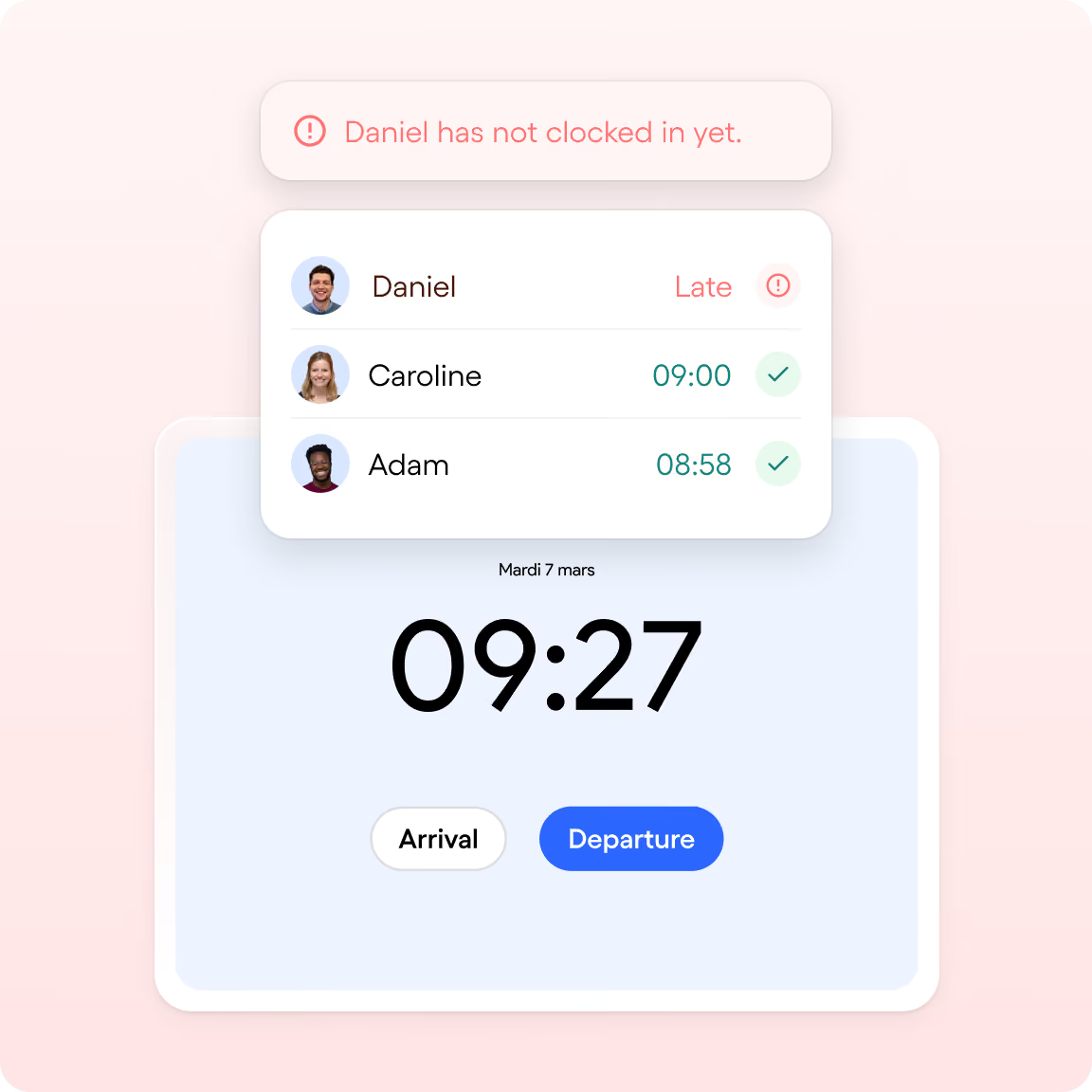
Set a lateness tolerance threshold that matches your site's rules and tailor tracking to your needs.

Follow activity in real time and handle the unexpected and last-minute cover with ease.

Your employees can clock in even when they're not on the schedule.
Encourage punctuality and transparency across your teams.

Track hours worked and avoid unnecessary overtime to protect your team's work-life balance.

Add a photo at clock-in to make every record more reliable.

Encourage punctuality with real-time visibility of arrival and departure times.

Build trust with a solution designed for your teams that keeps time records open and honest.

The time clock on its own or paired up.
Depending on your needs.

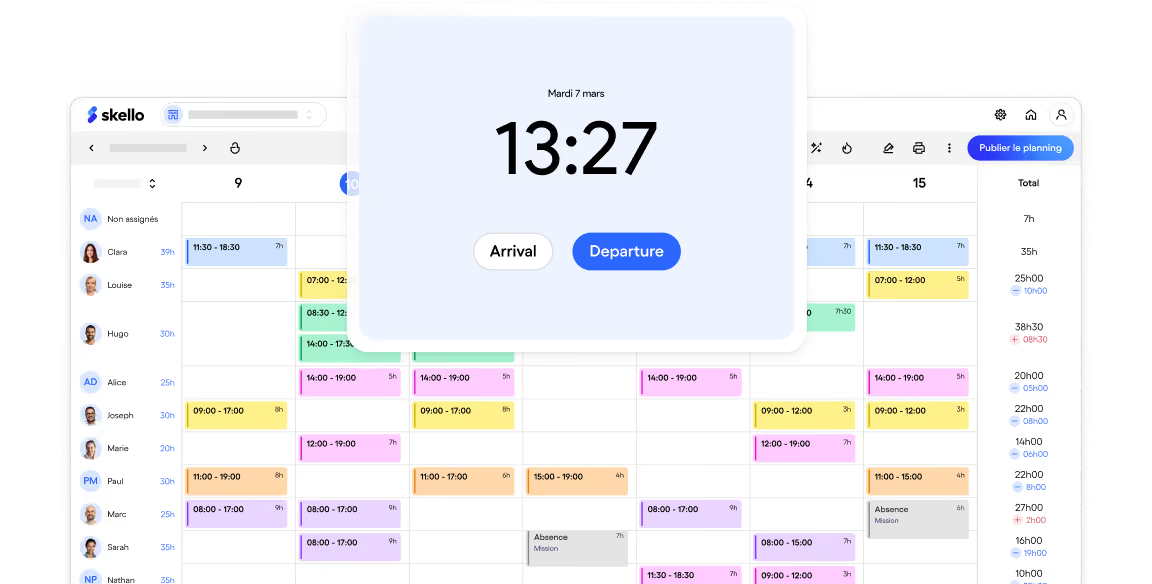
Simply keep track of your teams' time and attendance, or use the time clock alongside an advanced scheduling solution.

The time clock

Keep track of hours worked with a simple, reliable digital solution, wherever your teams are based.

Scheduling + time clock

The complete HR solution to schedule and manage your frontline teams, keep track of working hours and stay relaxed when payroll comes around.

Frequently asked questions

Does the tablet time clock work without an internet connection?
Open FAQ Close FAQ
Yes, the time clock keeps working even if the internet goes down. Clock-in data is stored locally on the tablet, then synced automatically with your Skello account as soon as the connection is back.
Can any tablet be used as a time clock?
Open FAQ Close FAQ
The Skello time clock app works on all Android and iOS tablets. You just need an internet connection for the initial setup and a recent tablet for good performance. Find out more in our help centre.
What's the difference between a tablet time clock and a mobile time clock?
Open FAQ Close FAQ
The tablet time clock stays in one place, on your premises or in your shop, and all employees use it to clock in on site. The mobile time clock runs on each employee's smartphone so they can clock in from anywhere, ideal for staff on the move.
How does geolocation protect employee privacy?
Open FAQ Close FAQ
We respect your employees' privacy by only recording the information strictly needed to manage working time. Location is only captured at the moment of clocking in or out, with no continuous tracking.
Can my employees refuse to use a geolocated time clock?
Open FAQ Close FAQ
Yes, if geolocation isn't essential to their job or if another means of monitoring exists. The system must be justified and proportionate. An employee can legitimately refuse if the employer doesn't meet the conditions set by the data protection authority, or if the system is an excessive intrusion into their privacy.
Does the mobile time clock work without an internet connection?
Open FAQ Close FAQ
Yes, the app records clock-ins offline. As soon as a connection is back (Wi-Fi or mobile data), the data syncs automatically with the server, so the service keeps running even in areas with poor coverage.
Can I track overtime and late arrivals?
Open FAQ Close FAQ
Yes, the time clock lets you track working hours precisely, including overtime, in your Skello account. You can also turn on lateness alerts to react quickly and manage your team better.