

What is HR software, and how is it different from an HRIS?
HR software helps with part of the job: building rotas, counting hours, tracking absences, preparing payroll. An HRIS goes further — it's where all your employee information lives (contracts, documents, contact details, history). In practice, the label matters less than what the tool actually does for you, from the rota to the payslip.
Is Skello an HRIS?
Yes. In Skello you'll find each employee's record, their contracts, their documents and your staff register, alongside rotas, hours, absences and payroll prep. It's all in one place and always up to date. Skello doesn't handle hiring or performance reviews, though: if you already have a tool for that, Skello connects to it.
How do I track actual working time and get my team to clock in?
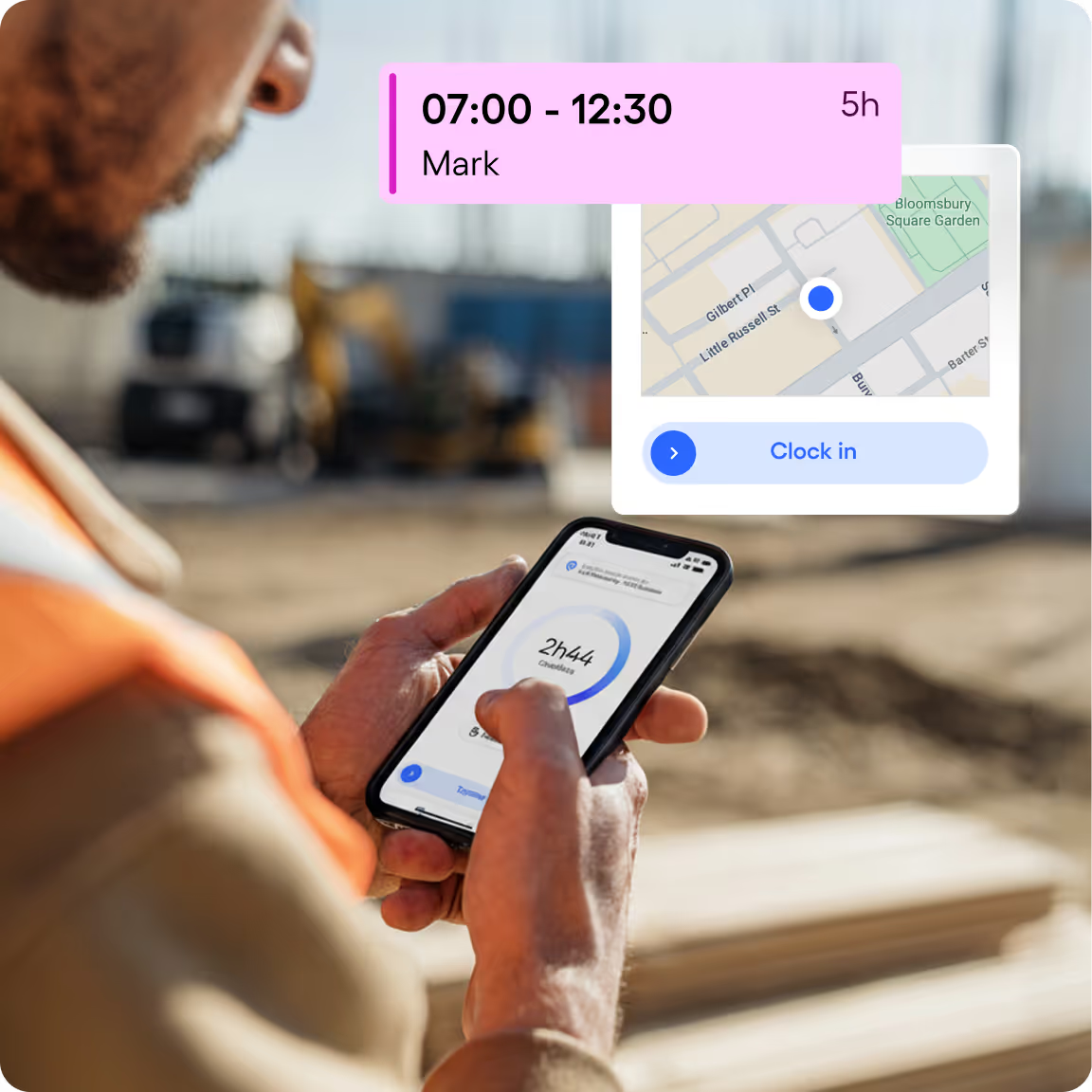
Your team clocks in and out on a tablet on site, or from their phone when they're out on the road, with geolocation. Skello compares planned hours with hours actually worked, calculates overtime and premiums, then produces timesheets to sign in one click. There's nothing left to copy out before payroll.
How do I manage annual leave, absences and time-off balances?
Your employee requests leave from their phone, you approve or decline in one click, and the absence drops straight onto the rota. Leave and hours balances update automatically, in line with your collective agreement and your own rules. No more spreadsheet on the side, no more working it out by hand. Everyone sees their balance in real time, so you field far fewer questions at the end of the month.
Does the software comply with employment law?
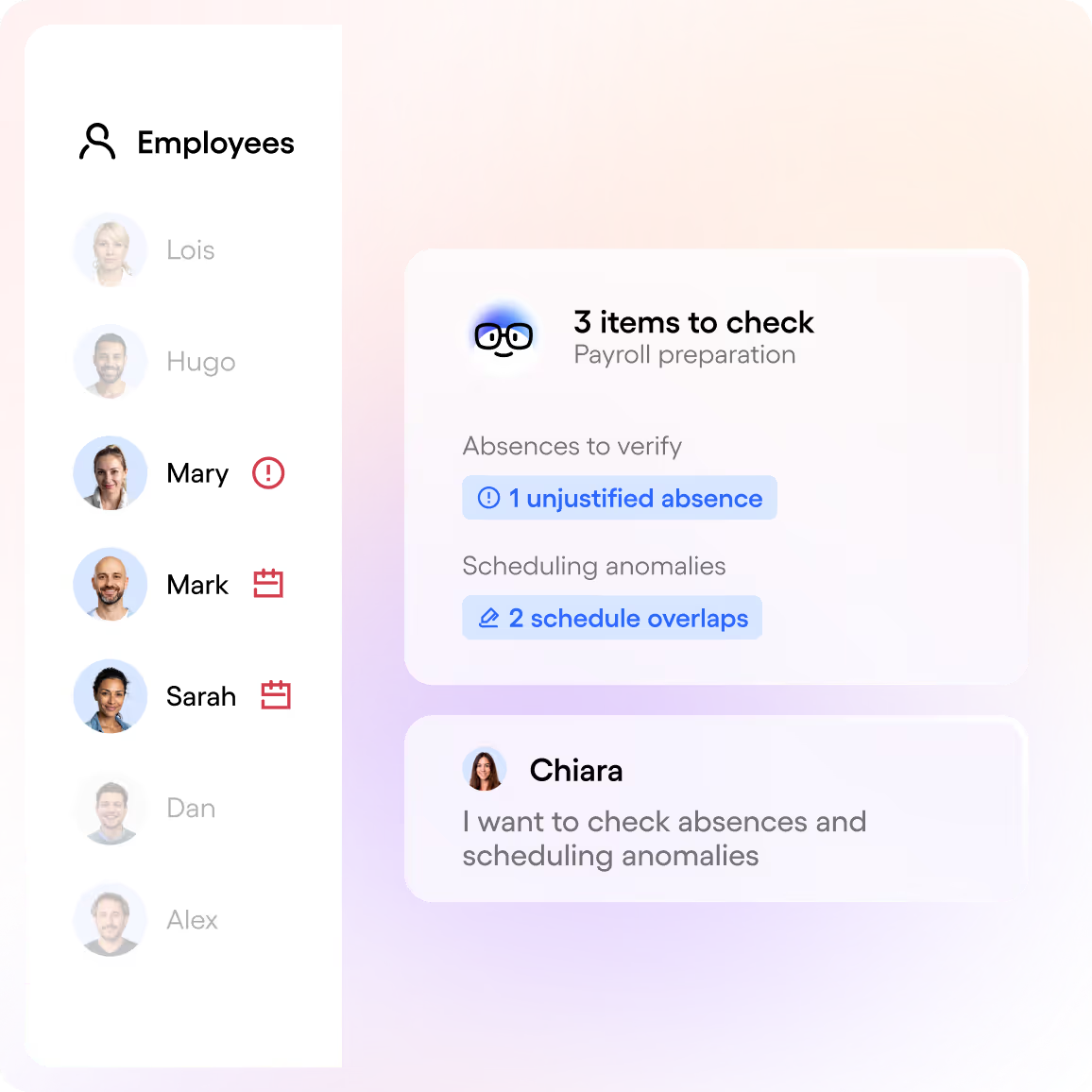
Yes, and it saves you time. You set out your collective agreement and internal rules when you start, then Skello keeps watch for you: maximum hours, rest periods, premiums, part-time thresholds. If a rota goes over, you're warned before you publish it — so before it becomes a problem. Skello also handles the rules of 7 European countries.
What is scheduling software?
It's a tool for building, changing and sharing your team's hours from one place, on a computer or a phone. It does more than display a grid: it costs the rota as you build it, checks you're within the rules, notifies staff of every change and feeds payroll. A spreadsheet does none of that.
How does Skello's smart scheduling work?
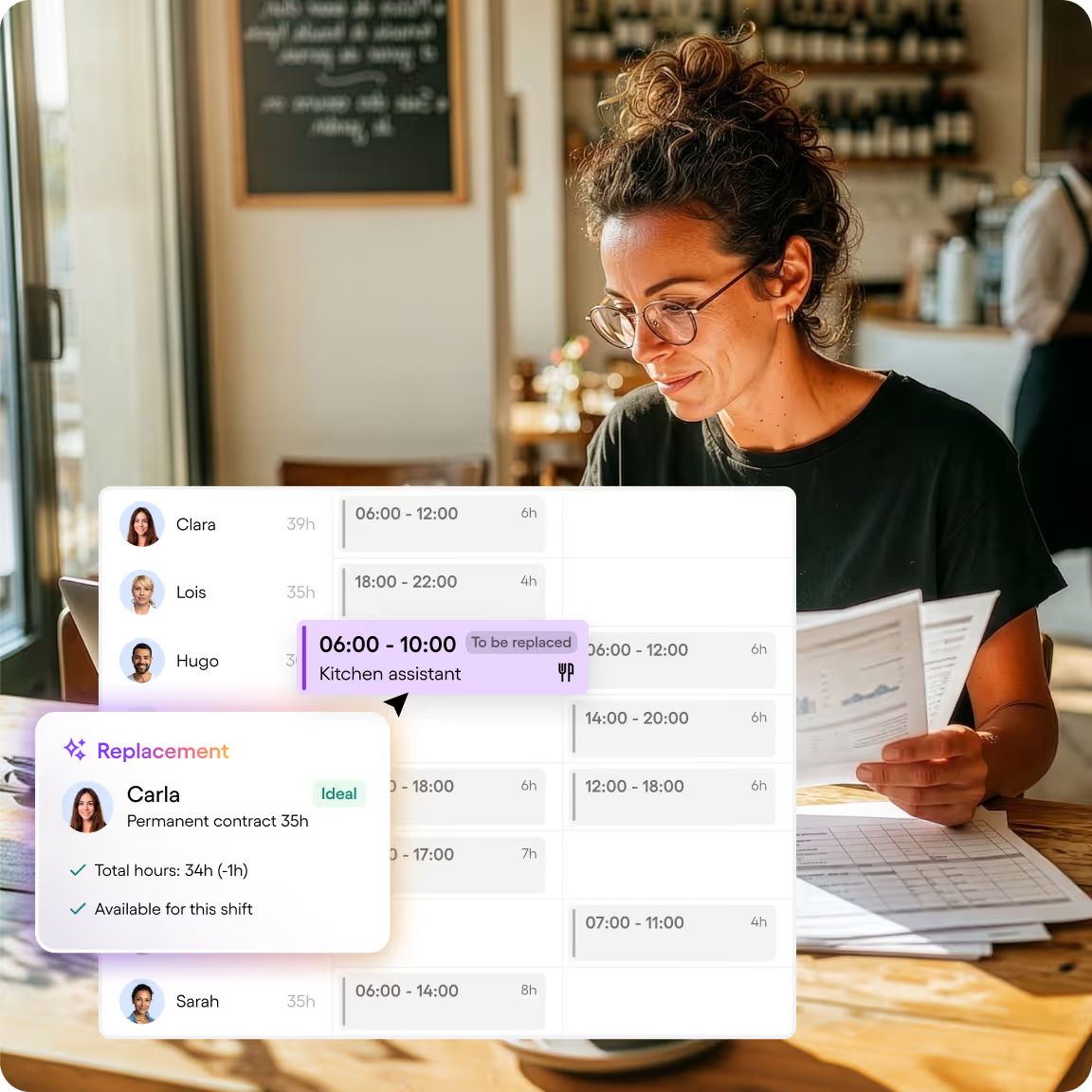
It works a bit like Tetris: Smart Planner puts the right people on the right shifts, taking in your activity, everyone's skills, availability, your team's preferences and your collective agreement. You get a full rota in seconds, and you keep control to adjust it. When someone drops out at the last minute, Skello shows you in one click who's free and qualified.
What are the advantages of Skello over a rota in Excel?
Excel won't warn you when a required rest period is missed, won't tell your team when you change a shift, and won't talk to your payroll software. With Skello, the rota takes a few clicks, goes straight to your team, is checked automatically and feeds payroll with no re-entry. Our customers save an average of 35 hours a month.
How does Skello integrate with my payroll software and my existing tools?
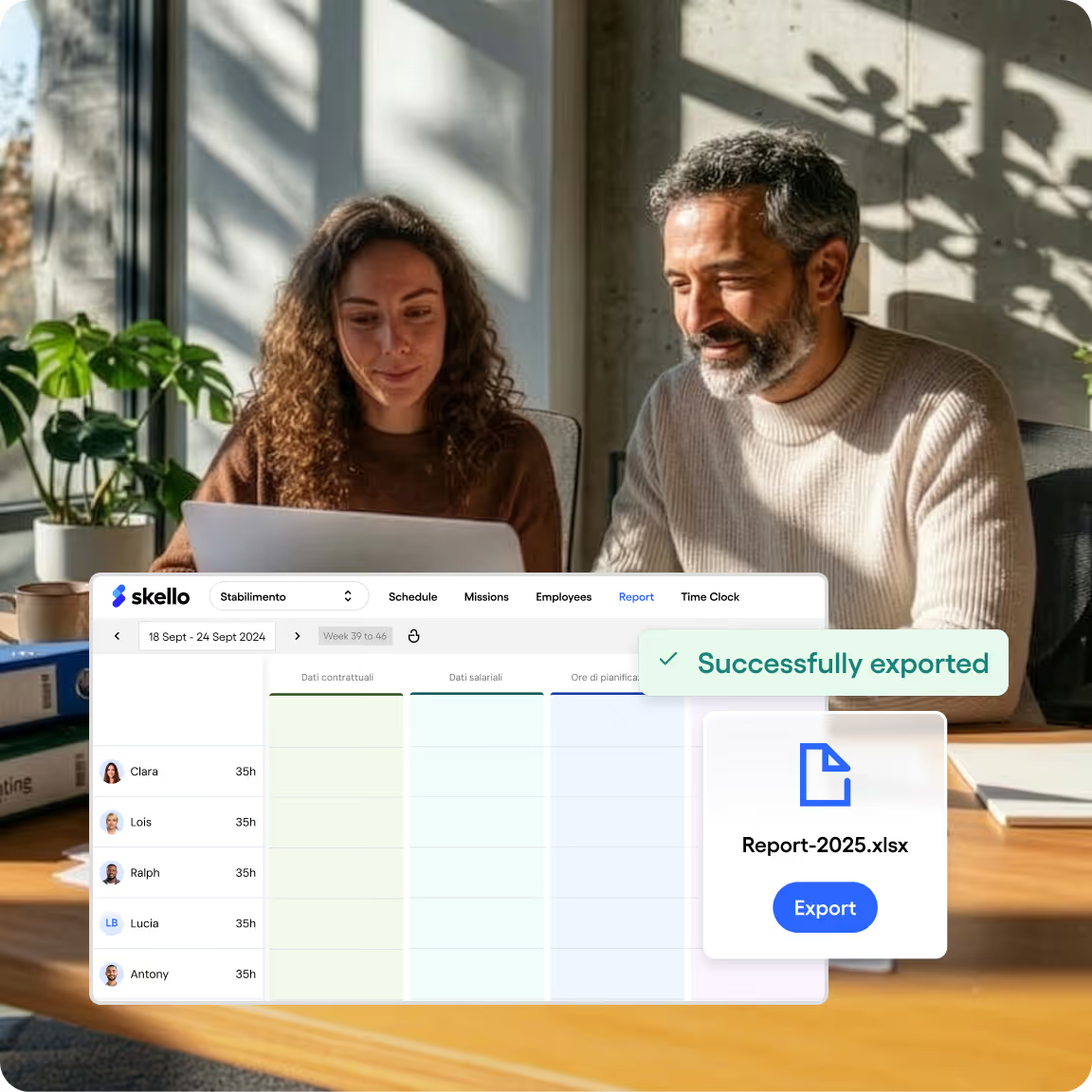
Skello connects to the main payroll packages, and to your till, your ERP or your HRIS. Approved hours, absences and premiums go straight through to payroll: no export to retype, nothing forgotten. If you run several sites, our team sets up the connections you need between head office and the floor.
How can I try Skello for free?
Click “Try Skello for free”: you get 14 days on the plan of your choice, with every feature, on your real rotas, with a Skello expert alongside you. No commitment, and you can stop whenever you like. Prefer to see it first? Book a demo: an expert will look at how you're set up and what Skello changes for you.