


In catering, management is not limited to service in the dining room or in the kitchen. Staff schedules, stock monitoring, cash management, reservations... Every detail counts to ensure profitability and avoid unpleasant surprises. However, many restaurant owners are still juggling Excel or poorly adapted solutions, at the risk of wasting time and money.
Today, many restaurant management software are available on the market.
there are free software (or in a freemium version) to simplify your organization. In this article, discover the 12 best free restoration tools, classified by use: planning, stock, cash register and reservations.
Comparison of free restaurant management software
Managing a restaurant requires juggling schedules, stocks, cash register and reservations. To help you see things clearly, here is a selection of best restaurant software free or freemium, grouped by use.
Personal planning software
If you are just starting out, you can also create a Excel recovery schedule, but pay attention to the limitations of this method: risk of input errors, lack of alerts in case of non-compliance with legislation and difficulty sharing the file with several managers. Beyond a few employees, Excel quickly becomes time-consuming and poorly adapted to the reality on the ground.
Inventory management software
Cash register software
Free reservation management software
Why opt for an integrated paid personnel management tool (HRIS)?
While free software is useful to start with, their limits are quickly felt: restricted functionalities, lack of payroll integration, approximate legal compliance. For restaurants with several employees, an integrated HR tool is becoming essential.
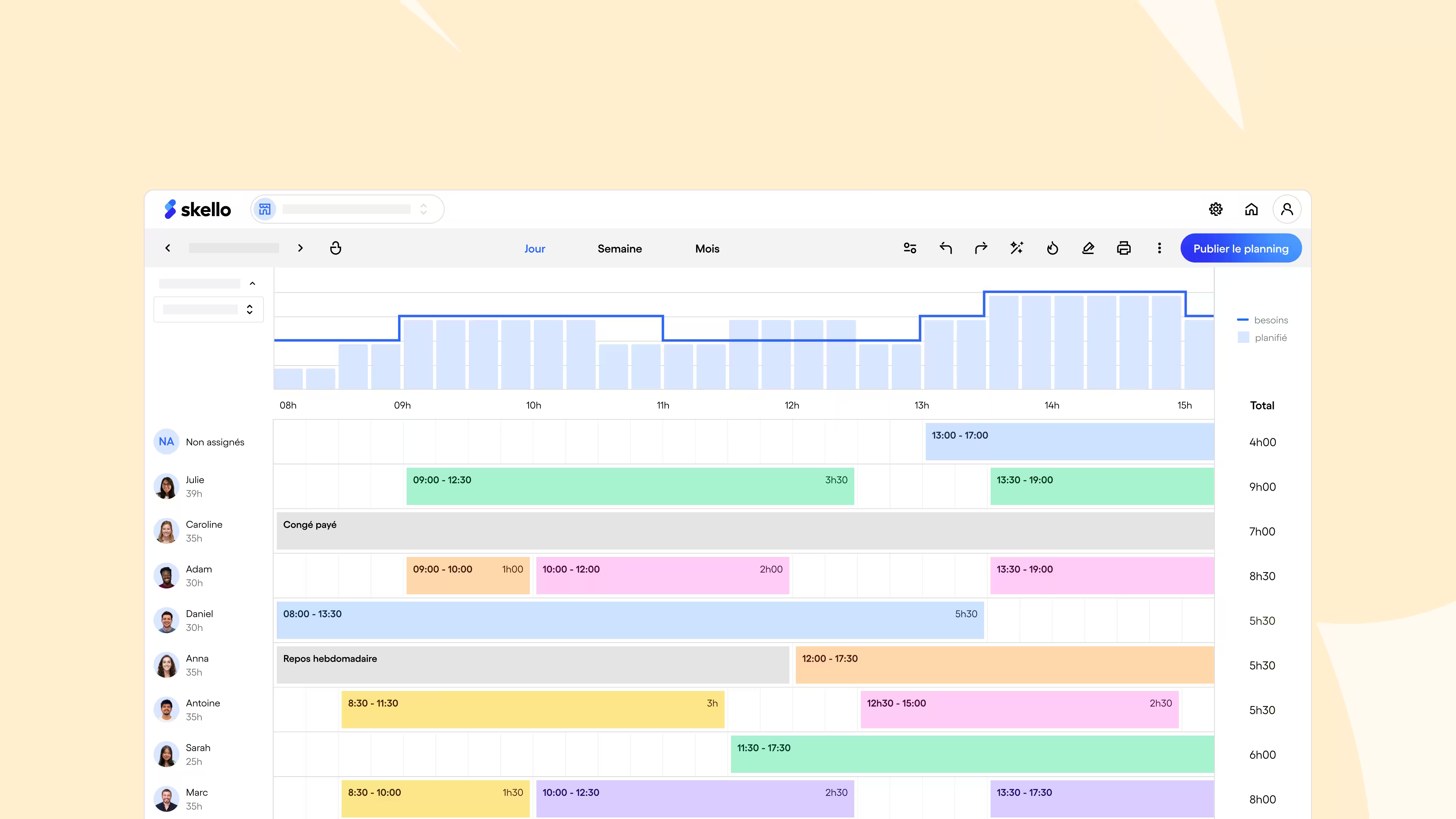
An HRIS like Skello goes beyond simple planning:
- Centralization of schedules and absences : access all data in real time, without scattered files.
- Monitoring of working hours : automatically calculate overtime, statutory holidays and absences.
- Monitoring of working hours : automatically calculate overtime, statutory holidays and absences.
- Profitability management : visualize your salary costs and adjust your workforce according to the expected turnover.
- Less administrative : export payroll variables in one click and limit input errors.
- Better communication with teams : give each employee direct access to their schedule and notifications in case of changes.
- Anticipation thanks to AI : benefit from predictive recommendations to adapt your workforce to seasonality, peak activity or sales history.
- Integrations and partners : synchronize payroll, HRIS or cash register to centralize your HR data and make your processes reliable.
- Payroll preparation : collect and export variable items (hours, absences, bonuses) to your payroll software, for reliable statements without re-entering.
Result: you gain peace of mind, your teams in transparency, and your restaurant in profitability.


How Big Mamma transformed schedule management with Skello
With several restaurants and numerous teams, Big Mamma faced a daily challenge: coordinate hundreds of employees while complying with regulations and maintaining the conviviality that has made its reputation. Excel schedules, which took a long time to update, generated errors and unnecessary stress for managers.
Before Skello : time-consuming manual organization, little visibility for teams, and complicated internal communication.
With Skello : automated schedules, centralized management of absences and overtime and increased visibility for each employee via the mobile application.
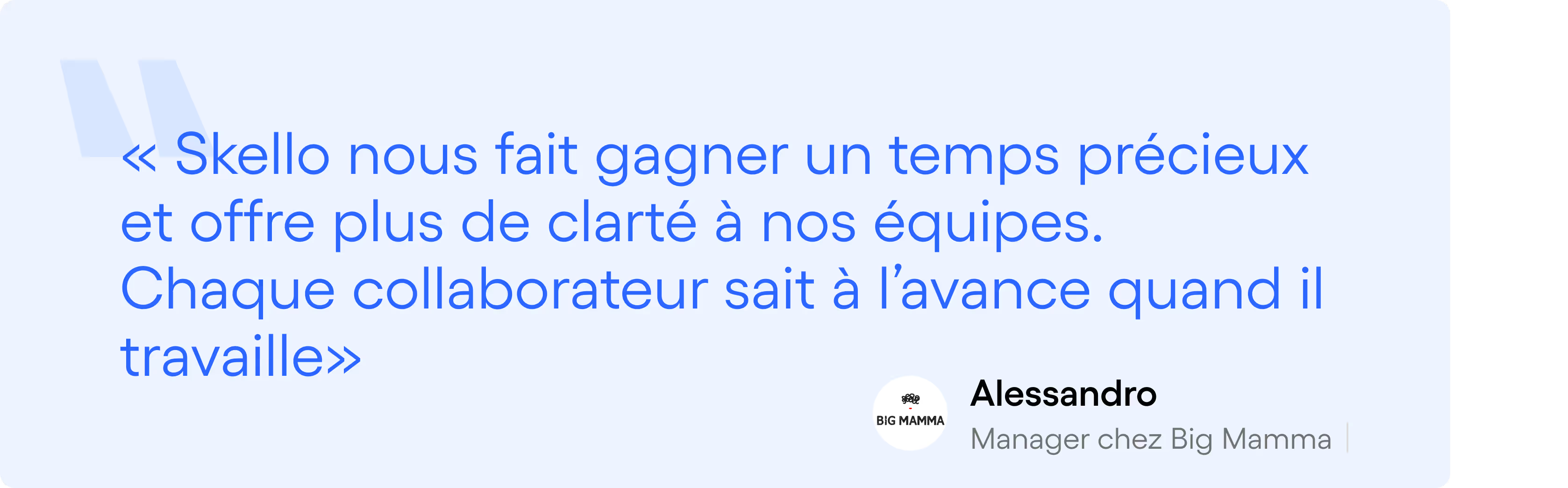
The result: a fluid organization, managers freed from several hours of administrative time each week and teams that are more relaxed about their schedule.
How Thierry Marx streamlines the management of his brigades with Skello
Michelin-starred chef and committed entrepreneur, Thierry Marx manages several establishments with particularly demanding schedules : long hours, frequent changes, extras... Before Skello, creating and communicating schedules represented a heavy administrative burden for its teams.
👉 Before Skello : manual schedules that take a long time to prepare, little visibility for employees and complex communication between managers and teams.
👉 With Skello : creation of schedules in a few clicks, real-time monitoring of hours and absences, notifications sent automatically to teams via the application.
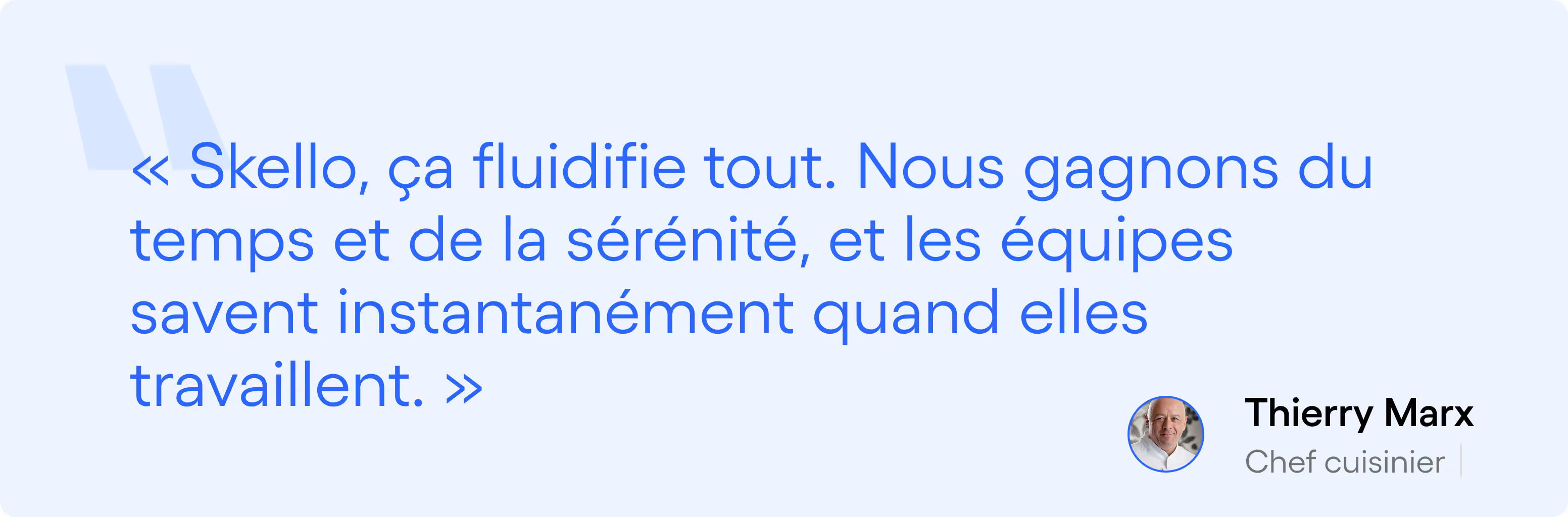
The result: a more fluid organization, better visibility for the brigades, and several administrative hours saved each week.
FAQS
Is free software enough to manage inventory and supplier orders?
Free software may be suitable for tracking a small inventory, but its functionalities remain limited. The free versions generally allow you to manage a few products or suppliers, without advanced automation or break alerts. For a restaurant with a large volume of orders, it is better to opt for a more comprehensive solution in order to save time and avoid input errors.
My restaurant is a collective kitchen: which free software should I choose?
In a collective kitchen, the priority is stock management and traceability. Open source solutions like Odoo Inventory or TableAgent may be suitable if you are looking to keep costs down. However, be careful: setting them up requires time and technical skills. For simplified management, a paid solution like Skello makes it possible to integrate both schedules, absences and HR management.
Can we use free software in mobile mode?
Yes, most free solutions offer an application or a mobile web version. This is the case of Trello, Google Calendar, Sortly, or Clockify. However, their features are limited compared to the paid versions. For daily use in catering (clocking, planning, reservations), a professional application like Skello remains more suitable and guarantees the reliability of the data.
What are the user/table limits in the free versions?
Free software almost always has restrictions. For example, Zoho Inventory limited to 20 orders per month, Trello to 10 tables, or Sortly to 100 inventory entries. These thresholds may be suitable for a small restaurant, but quickly become insufficient for a multi-site organization or with several dozen employees. In this case, upgrading to a paid version or an all-in-one tool is essential.
Is free software compatible with payroll and accounting?
Very rarely. The free versions focus on an isolated feature (planning, stock, cash register). Integration with payroll or accounting is generally reserved for premium versions. A tool like Skello allows payroll variables (hours, absences, bonuses) to be automatically exported to the main payroll software on the market, avoiding double entries and calculation errors.
Conclusion
Whether you are looking to optimize your Plannings, your stocks, your crate Or your reservations, free software is available today that can save you time and avoid mistakes. These tools are a good entry point, but their limits quickly become apparent as the business grows: user restrictions, lack of payroll integration, partial legal compliance.
To go further, a complete tool like Skello centralizes personnel management, automates administrative tasks and helps you manage your salary costs with confidence.
Request your Skello demo today and find out how to simplify the management of your restaurant.