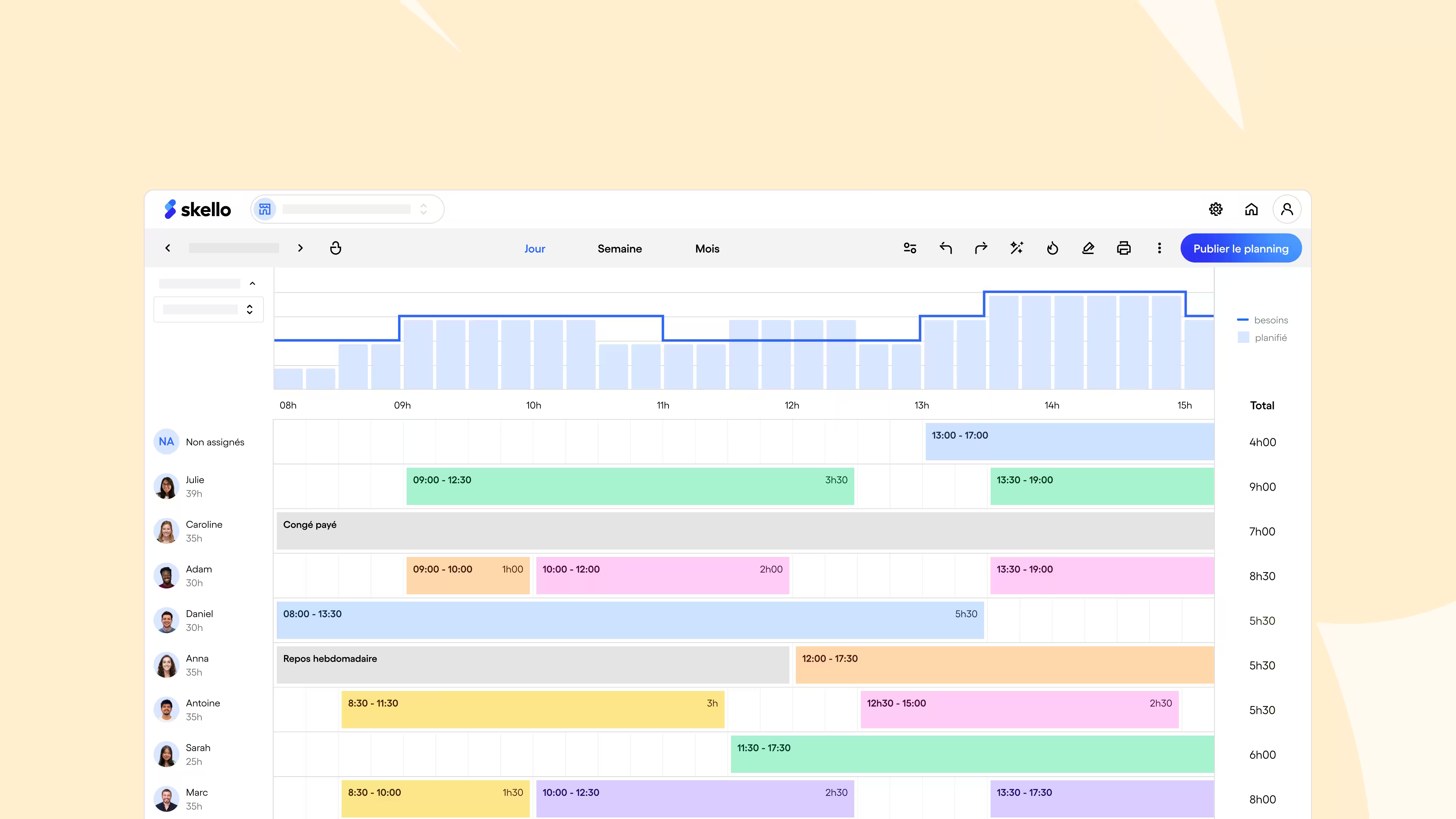


How to use the overtime calculator
Our Overtime calculator allows you to obtain in a few clicks an accurate estimate of your Working time increased and your remuneration.
It is designed to adapt to different types of contracts, and guides you step by step, whether you are an employee or an employer. Follow these instructions to make the best use of it:
1. Fill in your schedules
Indicate your start and end time for each day worked.
You can choose to track your hours by the day, week, or month.
2. Choose your contract
Select the mode of remuneration corresponding to your situation:
- 35 hours per week
- 39 hours per week
- 3-day package
- Modulation
In this way, the simulator can automatically apply the correct mark-up rules.
3. Check your overtime
The tool immediately calculates the hours that exceed the legal duration. You can see your normal hours in real time and Overtime :
- From the 36th to the 43rd hour: increase to +25%
- after the 44th hour: increase to +50%
4. Estimate your remuneration
Enter your hourly rate to get an estimate of your gross and net overtime pay.
Unlike Excel tables, our simulator offers you a simple, fast and fluid experience, with a clear interface, designed for real schedules and varied situations.
How do you calculate your overtime?
Overtime corresponds to the time worked in excess of 35 hours per week, for a full-time employee. They must be paid according to specific rules.
1. Calculate the number of overtime hours
Overtime is work after 35 hours.
So the formula is: overtime = (total hours worked - 35h)
Here is an example: if an employee works 41 hours a week, he works 6 hours of overtime.
2. Apply mark-up rates
The first overtime hours are increased according to this legal scale:
- From the 36th to the 43rd hour: +25%
- From the 44th hour: +50%
3. Remuneration example
An employee paid €14 per hour and who has worked 41 hours therefore earns:
- Basic overtime pay: 6 × 14€ = 84€
- 25% increase: 84€ × 25% = 21€
- Total: 84€ + 21€ = 105€
So a total weekly remuneration of: (35 × 14€) + 105€ = 595€
Some collective agreements may provide for different increases or compensatory rest.


3 practical cases and calculation examples
The calculation of overtime may vary depending on the contract and work situations. Here are three concrete examples to better understand how the markups apply:
1. An employee works 44 hours a week
The legal duration is set at 35 hours, so this employee worked 9 hours of overtime.
The increases apply as follows:
- 8 hours at +25% (from the 36th to the 43rd hour)
- 1 hour at +50% (from the 44th hour)
With an hourly rate of €14, this gives an additional remuneration of €161:
- Regular hours: 9 × 14€ = 126€
- 25% increase over 8 hours: 8 × 14€ × 0.25 = 28€
- 50% increase over 1 hour: 1 × 14€ × 0.50 = 7€
- Additional total: 161€
2. Employee with a 39 hour contract
In the case of a 39-hour contract, the 4 hours after 35 hours are automatically considered as overtime at +25%.
- Hours: 4 × 14€ = 56€
- 25% increase over 4 hours: €14
- Total: 70€ extra every week
3. Work on Sundays or at night: accumulation of surcharges
An employee working 2 hours overtime on Sundays may combine the increases provided for in collective agreements. Here is an example:
- +25% for overtime
- +20% for working on Sundays
With an hourly rate of €14, the calculation is:
- 2 × €14 = €28
- Cumulative 45% increase = 2 × €14 × €0.45 = €12.6
- Total: €40.6 for 2 hours
Overtime pay and payment
Overtime is paid according to a increased rate, defined by the Labor Code or by the collective agreement applicable to your company.
Carefully monitor these hours to ensure that your employees receive a fair and compliant salary.
Applicable mark-up rates
The general rules are as follows:
- From the 36th to the 43rd hour: 25% increase
- From the 44th hour: 50% increase
These rates can be adjusted by collective agreement, but cannot fall below 10%.
The impact on payroll
Overtime is calculated based on the gross hourly wage.
Here is an example for an hourly rate of €15:
- 1 hour at +25%: €18.75 gross
- 1 hour at +50%: €22.50 gross
These amounts are therefore added to the base salary and increase the monthly gross amount, with a direct impact on the net salary.
Focus on a tax advantage: tax-free overtime
Since 2019, overtime has been exempt from income tax, up to a limit of €7,500 per year. They also benefit from a reduction in certain social security contributions. This improves purchasing power at no additional cost to the business.
These benefits also apply to overtime for part-time employees.
Compensatory rest: a possible alternative
Instead of paying for overtime, some businesses may offer rest equivalent to the planned increase. For example, an additional hour at +25% entitles you to 1 hour and 15 minutes of rest.
Simplified payslip example
Here is an example of the content of the pay slip of a SMIC employee (€11.88 gross/hour) who worked 10 hours of overtime:
- Basic salary (35h): 415.80€
- 8 hours at +25%: 8 × 14.85€ = 118.80€
- 2 hours at +50%: 2 × €17.82 = €35.64
- Gross total: 570,24€
On the pay slip, these hours should appear separately, with their rate of increase clearly indicated.
Statutory overtime ceilings and limits
Overtime is governed by the Labor Code. This guarantees a fair organization of working time, and ensures the protection of employees.
Legal duration and increase thresholds
Any hour worked in excess of 35 hours per week is considered overtime.. The increase applies as follows:
- From the 36th to the 43rd hour: +25%
- From the 44th hour: +50%
These rules can be adapted by collective agreement, in compliance with a minimum rate of 10%.
Weekly limit and annual quota
An employee cannot work for more than 48 hours per week, with some exceptions. In addition, the weekly average must not exceed 44 hours over 12 consecutive weeks.
Each employee has a annual quota of 220 hours of overtime. Beyond that, the agreement of the employee is required, as well as consultation with staff representatives.
Can the employee refuse overtime?
Any unjustified refusal may be sanctioned. Overtime is in principle mandatory, except in exceptional cases provided for by law or case law.
Here are the reasons that may have been accepted in some situations:
- the annual quota is exceeded without prior information,
- legitimate reason (medical reasons, personal obligations),
- non-compliance with the stipulated remuneration conditions.
What happens in case of non-payment?
If overtime is not paid, the employee can request a pay reminder. And in the event of a repeated, or voluntary, breach, the company may receive financial, criminal (fine up to €45,000 and imprisonment for up to 3 years) and administrative sanctions (posting of the court decision, exclusion from public procurement, etc.).
To avoid these situations, good monitoring of working time is essential. A tool like Skello makes it possible to automate the calculation of hours, to apply the right increase rates and to facilitate the transmission to payroll.
Download the excel table for tracking overtime
Do you prefer to track your overtime in a simple table that you can adapt to your needs? We designed a ready-to-use Excel template, designed for businesses as well as for employees.
This file allows you torecord your schedules every day, to automatically calculate the hours worked beyond the contract, and to clearly visualize the surcharges applied. A practical solution to keep a reliable record of your working time and avoid oversights.
This Excel template has these features:
- Entering schedules : for each day, you enter your arrival and departure times, as well as any breaks.
- automatic calculation of overtime : the table detects the hours exceeding the weekly threshold (35 hours or 39 hours depending on your contract) and applies the legal increase rates: +25% between the 36th and the 43rd hour, +50% from the 44th hour.
- clear summary : it displays the total of standard and increased hours in a summary view.
This file is a good basis for those who want to structure their follow-up, on a small scale, without automation. However, it remains limited for larger teams or for variable hours.
Download the free Excel template now to easily track your overtime.
Alternatives to the simulator and Excel for calculating overtime
The limitations of Excel and simulators
Excel and online simulators are often the first tools used in business, to track overtime. But as the business gets more complex, they quickly show their limits.
- Excel requires manual entry which can quickly become a source of errors. The formulas are cumbersome to configure, especially to integrate mark-up rules or break times.
- Simulators offer a quick calculation, but their use remains occasional and they do not allow data to be saved on a file. They do not always adapt to variable hours, or to the specificities of collective agreements.
Why move to Skello?
Skello automates overtime management, while saving you valuable time thanks to its features of:
- automatic tracking: the hours are recorded directly by the teams in the field.
- integrated calculation of surcharges: the rates of +25% and +50% are automatically applied according to the rules in force.
- connection with payroll: the data can be exported in one click to your payroll software.
- real-time visibility: your managers and HR teams have access to a clear picture, updated as time goes by.
- compliance ensured: Skello automatically applies legal and contractual provisions concerning working time.
With Skello, you secure overtime tracking, while reducing administrative burden. No need to check, everything is already up to date: Skello free trial.
FAQS
What is the formula for calculating overtime?
Overtime refers to hours worked in excess of 35 hours per week.
Formula: Overtime = Total hours worked - 35h
An employee working 42 hours worked 7 hours of overtime.
How do you calculate overtime at 25% and 50%?
From the 36th to the 43rd hour, a 25% increase must be applied. From the 44th hour, the increase is 50%
Example with an hourly rate of €14:
- Hours at 25%: €14 per hour × 1.25 = €17.50 per hour
- Hours at 50%: €14 per hour × 1.50 = €21
How do I calculate overtime for night and weekend hours?
Some agreements allow several increases to be combined: night work (20%) and overtime (25%); or Sunday work (30%) and overtime (50%).
Example of calculation with an hourly rate of €14:
€14 × 1.45 = €20.30 per hour for one hour of overtime night work.
Be careful, however: the law does not provide for a mandatory increase for night work, but only compensatory rest. The increases mentioned above may exist in some collective agreements.
How should overtime be paid?
Overtime must be paid according to the scheduled premium rates.
They can:
- be paid in addition to the basic salary,
- or be converted into compensatory rest, according to the collective agreement or the company agreement.
Do I have to show overtime on my pay slip?
Overtime must be shown separately on the pay slip.
They should mention:
- the number of hours worked,
- the mark-up rates applied,
- the corresponding remuneration.
How do I know if my collective agreement provides for different mark-up rates?
The legal increase rates are 25% and 50%, but some collective agreements provide for specific rates.
To check the applicable rates:
- consult your collective agreement on Skello or on legifrance.gouv.fr
- or ask your HR department for information
How to calculate overtime in a 39 hour contract?
In a 39-hour contract, 4 hours of overtime are worked each week.
It is therefore necessary to apply a 25% increase from 35 to 39 hours.
Example with an hourly rate of €14:
4h × 14€ × 1,25 = 70€ extra per week.
How do I calculate overtime for a part-time contract?
A part-time employee works overtime, not overtime.
The remuneration is therefore at the normal rate up to 10% of the contract. And beyond that, it can be increased by 25% or 35% depending on the collective agreement.
Is there a cap on overtime?
The maximum working time is regulated by law at a maximum of 48 hours per week, but within the limit of 44 hours per week over 12 consecutive weeks (Articles L3121-20 and L3121-22 of the Labor Code).
Is overtime taxable?
Since 2022, overtime has been exempt from income tax up to €8,037 gross since 1 January 2022. They also benefit from a reduction in social security contributions.
Are employees on a fixed day package entitled to overtime?
Employees on a fixed day package do not count their hours of work. Therefore, they do not receive overtime. However, they may benefit from additional rest days.
Can I refuse to work overtime?
Overtime is in principle mandatory, except in exceptional cases provided for by law or case law. Unjustified refusal may be sanctioned.
How do you report overtime on your pay slip?
Overtime must appear on a specific line on the pay slip and mention: the number of hours worked, the rate (s) of increase, the total corresponding amount.
Is there software to automate the calculation of overtime?
Tools like Skello make it possible to automate the monitoring and calculation of overtime. They avoid mistakes and make it easier to manage working time.
What is the difference between overtime and overtime?
Overtime is for full-time employees. These are hours worked in excess of 35 hours per week, with an increase.
On the other hand, we speak of overtime for part-time employees. These are the hours beyond their contractual duration, sometimes increased if they exceed a certain threshold.
Precise follow-up for overtime
The calculation of overtime leaves no room for approximation. Between mark-up rates, legal ceilings and tax rules, a Rigorous follow-up is essential to guarantee a pay in accordance with the hours actually worked.
How to simplify this daily management?
- Use our free simulator to quickly calculate your overtime.
- Download our Excel template to manually track hours and surcharges.
Adopt Skello, our solution designed to automate follow-up, avoid errors and secure payroll preparation.